Mother India TodaySaturday, 14 November 2026
Text size
📱 Tech & Screen
Is YouTube Safe for Your Child? 7 Settings Every Parent Should Switch On
Children love YouTube, but parents can make it much safer. Seven simple settings and habits — from YouTube Kids to autoplay and bedtime reminders.
TECH SCREEN | 14 NOVEMBER 2026
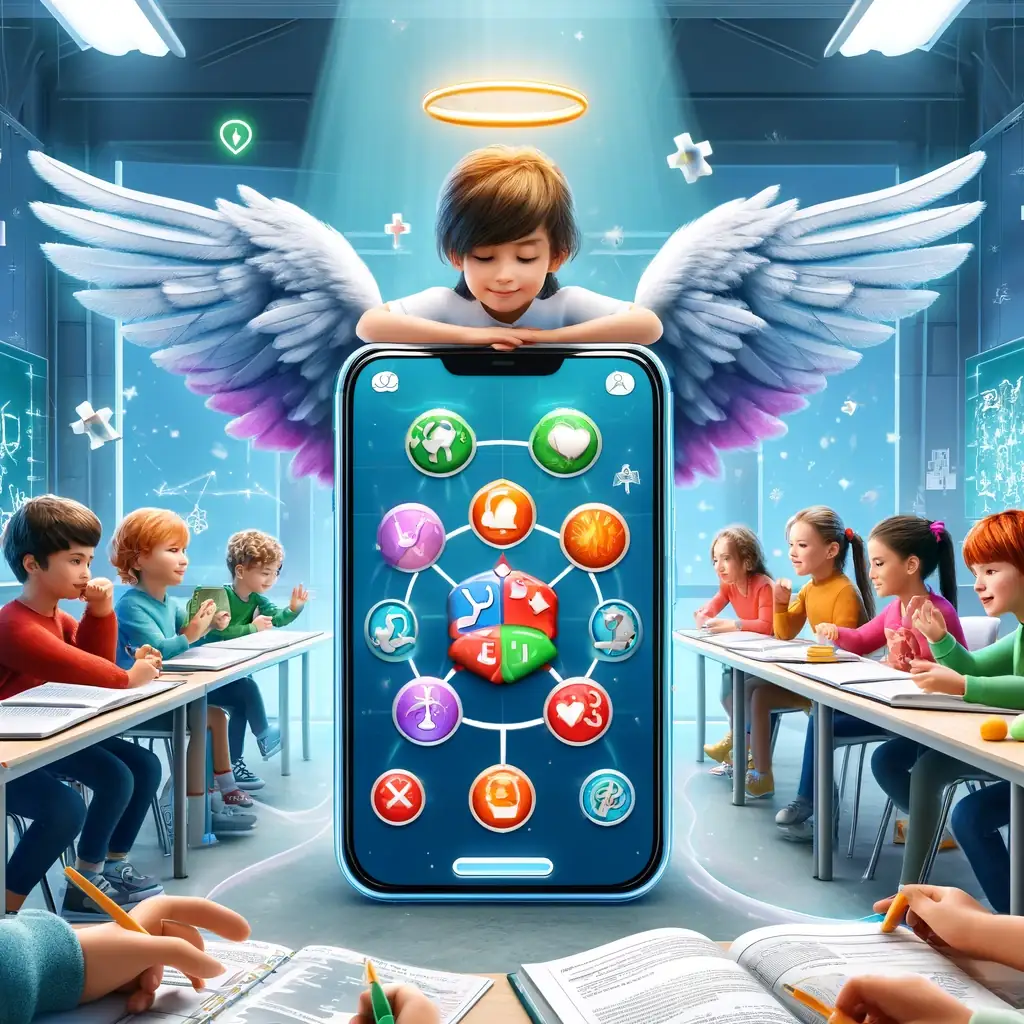
YouTube is full of wonderful learning videos — and also content that is not right for children. A few settings, plus simple family rules, make a big difference.
7 settings and steps
- Use YouTube Kids for young children. The separate YouTube Kids app is designed for children, with age-based content levels (preschool, younger, older) set by parents.
- Try a supervised account for older children. Through Google's Family Link, parents can set up a supervised YouTube experience with content levels suited to their child's age.
- Turn on Restricted Mode on the main YouTube app on shared devices. It hides many videos that may be mature. (It is not perfect, so supervision still matters.)
- Switch off autoplay. Autoplay keeps the next video coming; turning it off helps children stop when they planned to.
- Set reminders. Use "Take a break" and bedtime reminders, and the device's own screen-time limits.
- Check watch and search history together from time to time — not to spy, but to talk.
- Keep devices in shared spaces, like the living room, not bedrooms.
No setting replaces a conversation: tell your child they can always come to you if they see something upsetting.
Teach these rules to children
- Don't share your name, school, address or photos in comments.
- Don't click on links in comments or offers of "free" gifts.
- If something feels scary or wrong, close it and tell a grown-up.
- Not everything on YouTube is true — check with a trusted source.
Age matters: YouTube's main app is meant for users aged 13 and above (in most countries); younger children should use YouTube Kids or a supervised experience.
Settings and names can change with app updates — check YouTube's Help Centre for the latest steps.
Sources: YouTube Help Centre; Google Family Link.
Source: YouTube Help Centre; Google